How to use a PNGtuber (free, step by step)
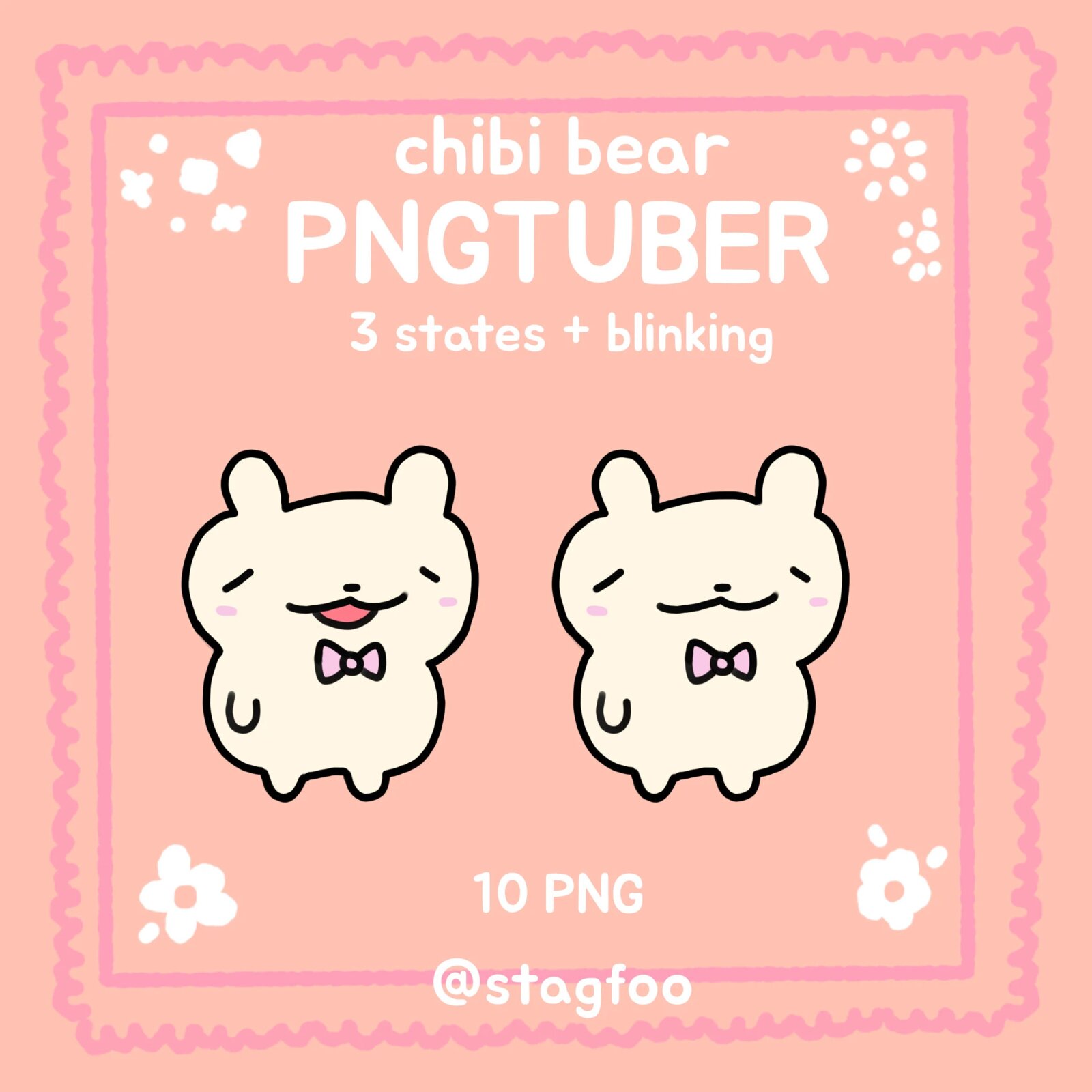
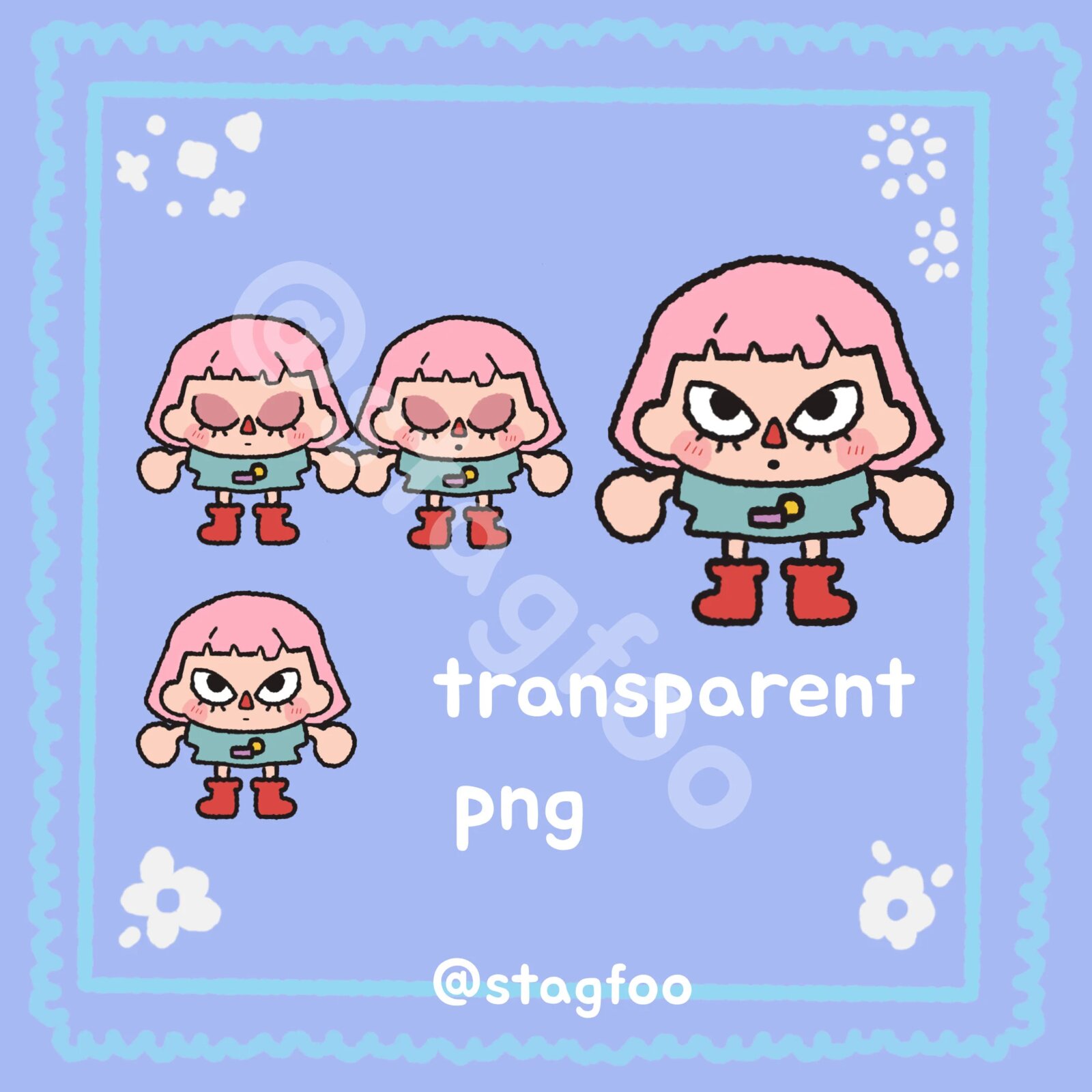
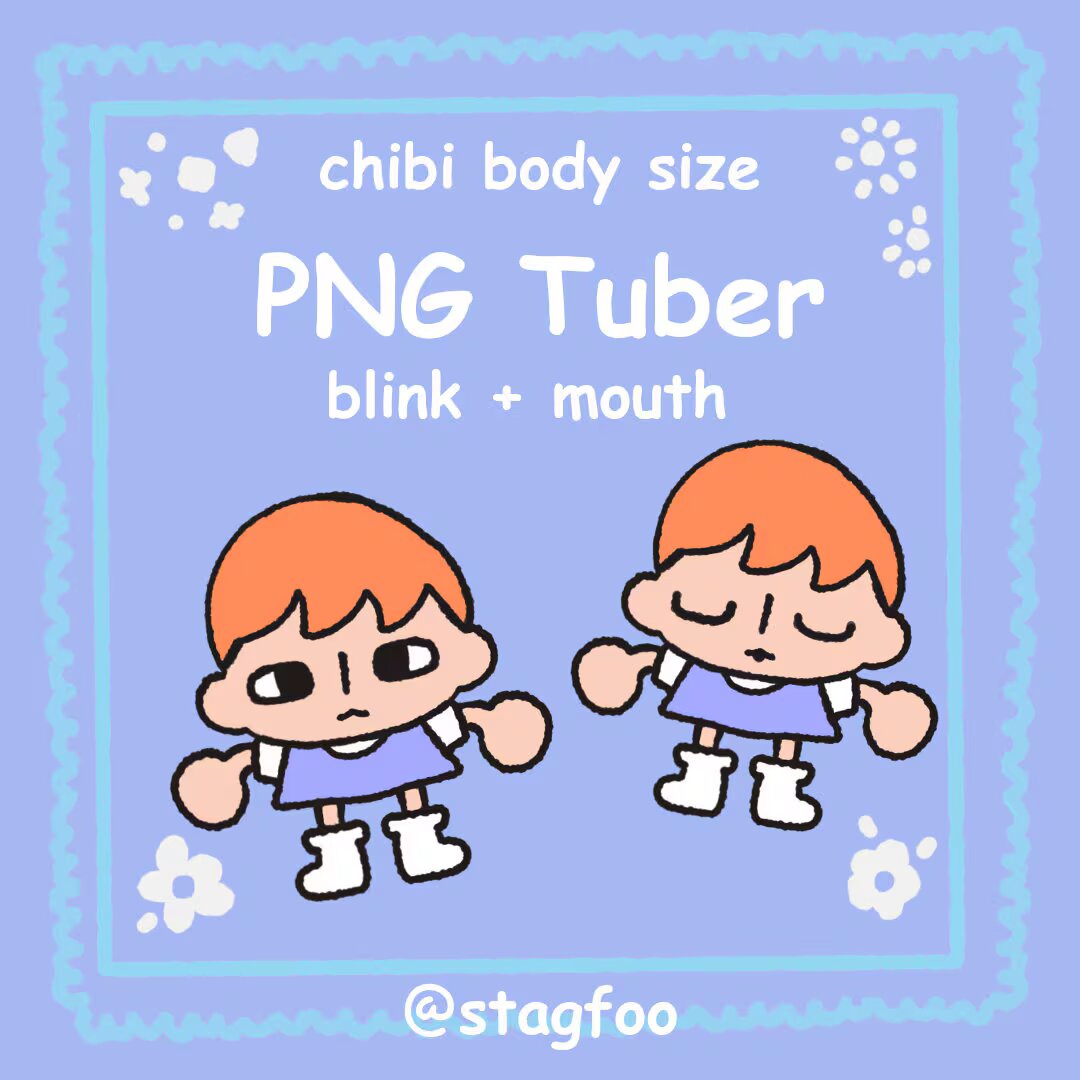
A PNGtuber is a 2D avatar made from a few PNG images. The app swaps between them as you talk and blink, so your character reacts live on stream. You don't need any drawing or rigging skills. Setup takes about 10 minutes.
What's in a Stagfoo PNGtuber
- Mouth closed and mouth open images, each with a blinking version.
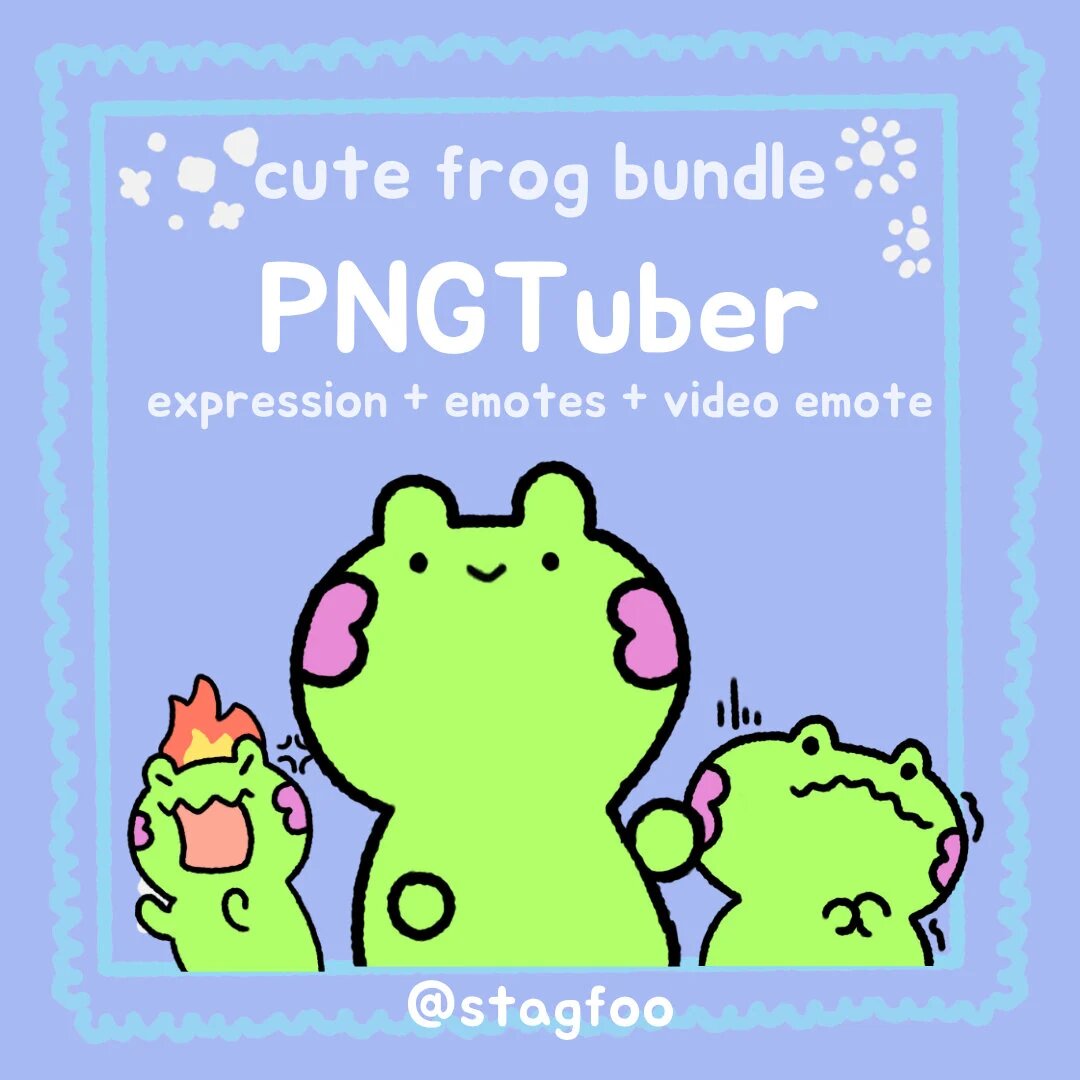
- Some models have extra expressions, each with the same four images.
- Many include a ready-made Veadotube Mini file, so setup is instant.
1. Pick a free PNGtuber app
- Veadotube Mini: lightweight and easy. Our favourite to start with.
- Gazo Tuber: simple and friendly.
- PNGTuber Plus: more options, such as bouncing and costumes.
2. Load your model
- Unzip the download into a folder you won't move, like
Documents/PNGtuber. - If there's a Veadotube Mini file (
.veadomini), open it in Veadotube Mini and you're done. - Otherwise, add the images to the app's slots: mouth closed, mouth open, and the blinking versions of each. File names like
closed_blink.pngtell you which is which.
3. Connect your microphone
- Choose your microphone in the app's settings.
- Talk normally and adjust the sensitivity until the mouth opens when you speak, but not at background noise.
4. Add it to OBS or Streamlabs
- In OBS, add a Game Capture or Window Capture source and pick the PNGtuber app's window.
- If your app supports it, tick Allow Transparency. Otherwise set the app's background to a solid colour (like green) and add a Color Key filter to the source.
- Crop and resize it in your scene, usually in a bottom corner.
Each app's itch.io page has its own instructions, so check them if a menu looks different.
Tips
- Match your emotes: many models have matching emote packs, so your chat and your avatar look like a set.
- Add accessories: blankets and sticky notes are separate PNGs you can show for fun moments.
If it doesn't work
- Mouth never opens: check the right microphone is selected and lower the sensitivity threshold.
- Black or green box in OBS: turn on Allow Transparency, or add the Color Key filter.
- Images look swapped: check each image is in the right slot by its file name.
Still stuck? Message me on Ko-fi.